See an example conversation
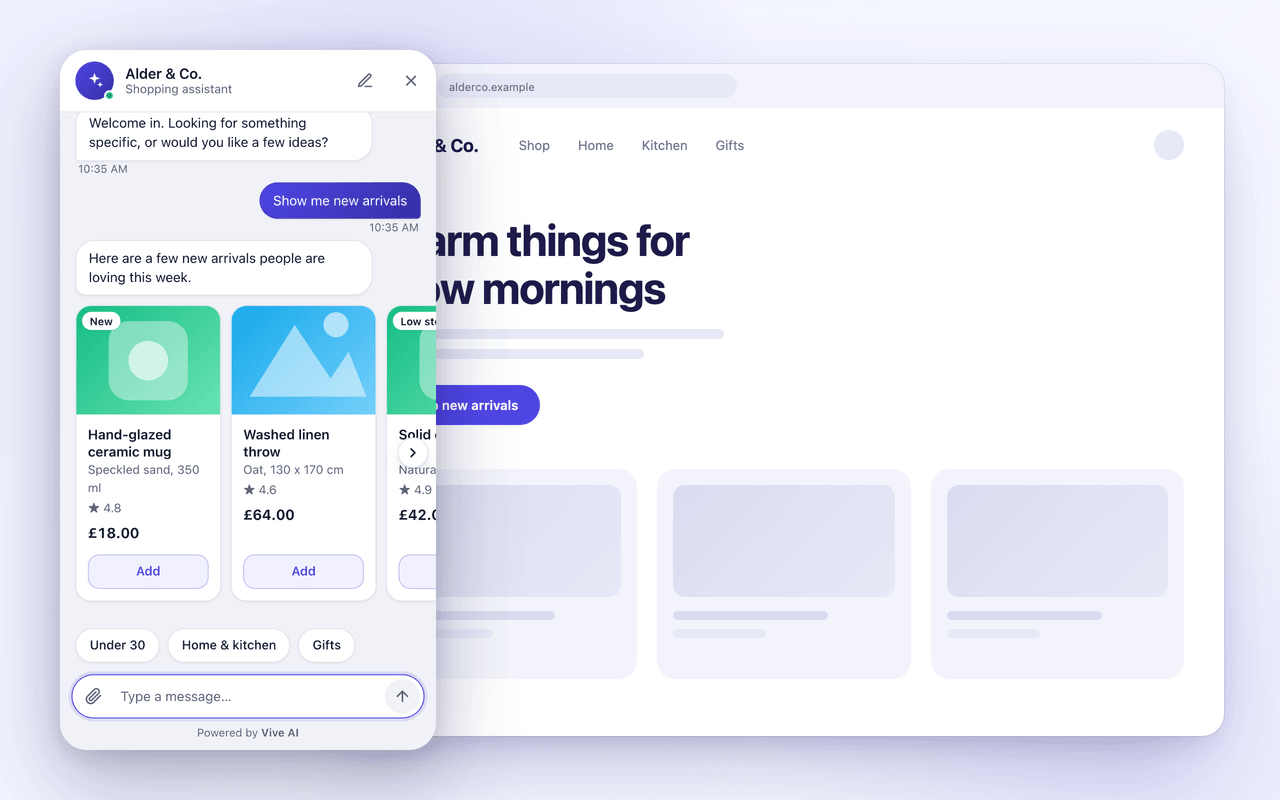
A guided walkthrough of one exchange: the agent calls a connected system and answers with UI components instead of plain text. The same agent serves any channel, and this one is the website chat widget. It is not a live agent, so there is nothing to type into here.
What happens, step by step
- 01
A shopper opens the widget
The widget greets them and offers a place to start. Nothing is sent to your systems yet.
- 02
They ask a question
In this example the shopper asks for new arrivals. The agent calls a read-only tool that returns products from the store.
- 03
The agent answers from the data
The reply shows real product details from the store's records. If a person should take over, a flow assigns the conversation to them.
Try it with your own data.
Start with $5 of credit, connect a system, and see your own agent answer.