Flows and human handoff
Flows are RoutMe's workflow engine. A trigger starts a graph of logic, messages, tags and calls to your services, and an agent node lets the AI decide the next step from outcomes you define. When a person should take over, the conversation lands in a shared inbox with queues, assignment, a summary and suggested replies.
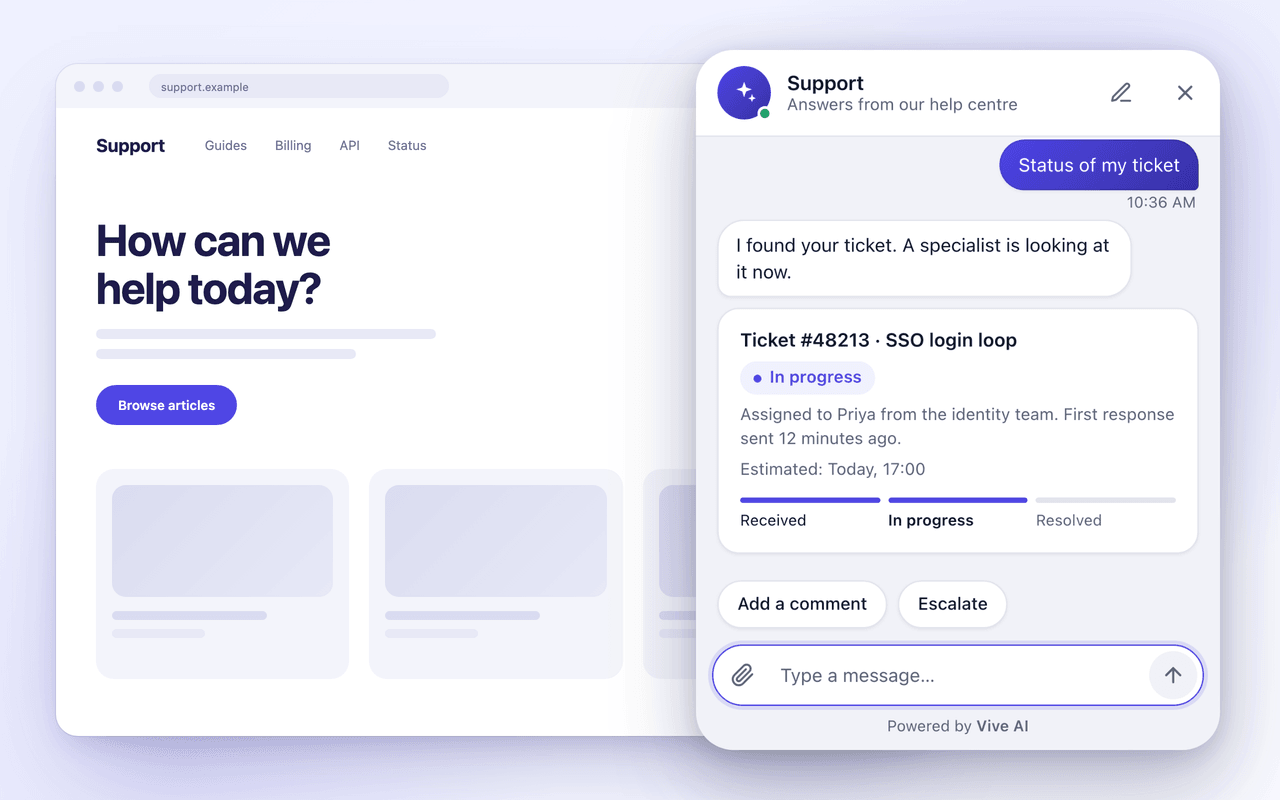
What you get with flows and handoff
Build in plain words or on a canvas
Describe a flow and get a draft to review, start from a ready-made flow, or add steps one by one. Nothing runs until you turn the flow on.
An agent node
Give it instructions, the action tools it may call, optional MCP servers and up to ten outcomes. It continues down the outcome it picks, and can only do what you list.
Shared inbox
Open, Mine, Unassigned and Closed queues, assignment to a teammate, and replies that go back out on the channel the conversation came from.
Handoff with context
A conversation can be handed over on a request for a person, a blocked topic or repeated manipulation. The team sees a short summary and can redraft suggested replies.
How it works
- 1
Pick a trigger
A message arrives, a contact opts out, a status changes, or your own event fires.
- 2
Add logic and actions
If, switch, filter and wait nodes decide the path. Actions send a message, tag a contact, set an attribute, assign a teammate or call your service.
- 3
Let the agent choose
At an agent node the AI reads the conversation and picks an outcome, such as resolved, needs a person, or collect details.
- 4
Hand off and review
The conversation moves to the inbox and every run is stored with a per-node trace, so you can see why something did or did not happen.
Examples
The same capability across industries
- Clinic
- A reminder flow waits until the day before an appointment, and a reply asking to reschedule goes to the front desk queue.
- Travel
- A disruption flow tags affected travelers and hands anyone who asks for a person to an agent on duty.
- Real estate
- An agent node collects budget and area from a new lead, then assigns the conversation to the right negotiator.
- SaaS
- A support flow lets the agent resolve routine questions and routes billing disputes to a teammate with a summary.
- Banking
- A card dispute request is handed to a specialist at once, with the conversation summarized for them.
- Retail
- A returns flow gathers the order and reason, then a teammate approves it from the inbox.
Limits worth knowing
- An agent node can only call the actions and servers you allow it.
- AI drafting of flows and replies needs the AI features enabled on your deployment.
- Replies from the inbox follow each channel's own rules.
Documentation
Frequently asked questions
Can an AI agent run inside a workflow?
Yes, with an agent node. You write its instructions, list the tools it may call and define the outcomes it can choose between.
What triggers a handoff?
A visitor asking for a person, a blocked topic, or repeated manipulation attempts can each hand the chat to your team, depending on how you configure guardrails.
What does my team see after a handoff?
The full thread, the assigned owner if any, a short summary of what the customer wants and the next step, and suggested replies they can redraft.
Can I check what a flow did?
Yes. Every execution is stored with a trace of each node, including where it waited or which branch it took.
Do I need engineers to build flows?
No. You can describe a flow in words, start from a ready-made one or build on the canvas. Steps that need details are highlighted and block saving.
See it on your own data
Tell us what your customers ask. We will show the agent answering from your systems.