RoutMe AI chat for Squarespace
On Squarespace, the RoutMe chat widget can be added through Code Injection in the footer on Core, Plus and Advanced plans, and order data can be exposed read-only by building an MCP server on the Commerce Orders API with a developer API key set to read permission. RoutMe has no Squarespace extension or native connector today.
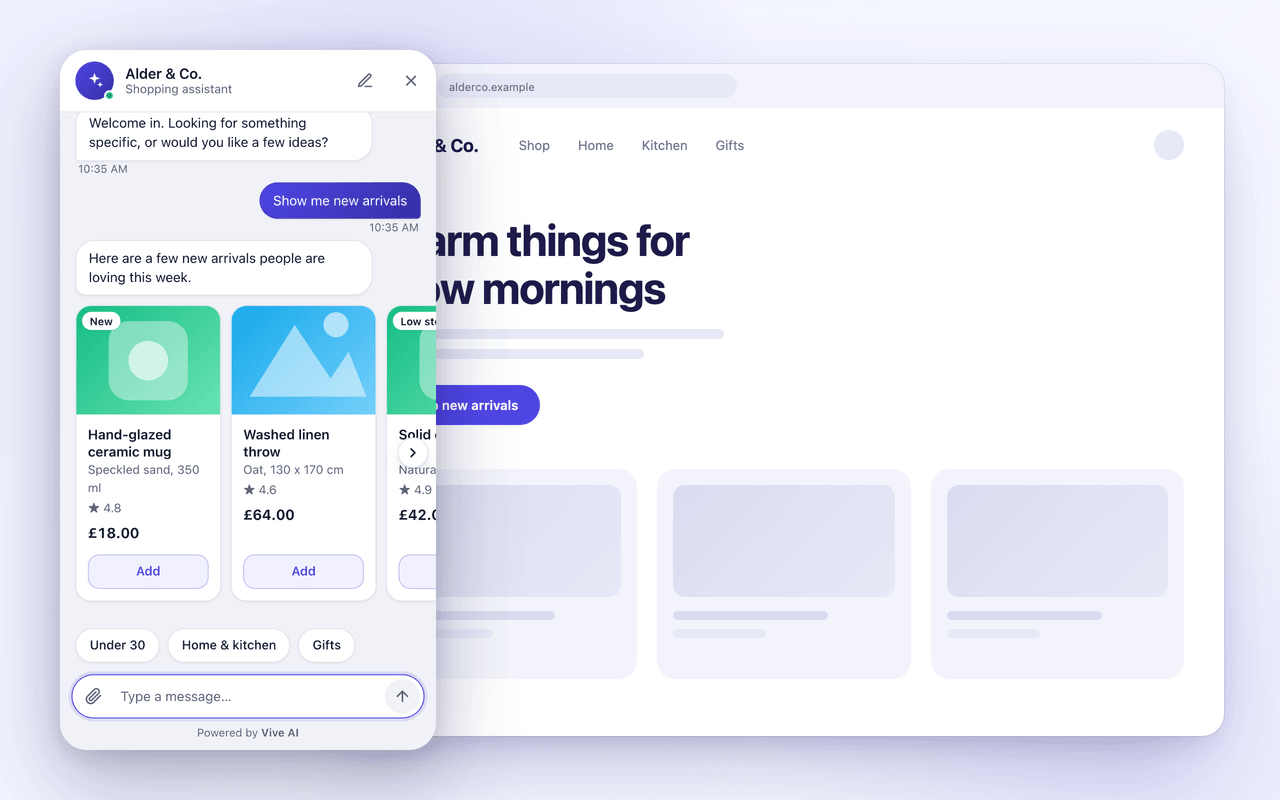
Add the widget with Code Injection
- 1
In the RoutMe dashboard, create a chat widget and list your site origins.
- 2
In Squarespace open the Code Injection panel and paste the RoutMe script tag into the Footer field. Squarespace places footer code before the closing body tag on every page.
- 3
Save, then load the live site from an allowed origin and confirm the launcher appears.
Squarespace states that checkout pages do not support custom code, and that code can interfere with the editor, where Disable Scripts in Preview helps.
Expose orders read-only
- 1
Squarespace documents Commerce APIs for custom applications, available with the Commerce Advanced plan. Generate a key under Settings, Advanced, Developer API Keys.
- 2
Choose the Orders API and the read permission level. Permissions cannot be changed after creation.
- 3
Build an MCP server with read-only tools that call the Orders API and keep the key on that server.
- 4
Register the server in RoutMe and test the connection.
Example read-only tools
get_orderReturn the status and fulfillment of one order.
- Plan requirements for Commerce API access vary by source and region. Confirm in your Squarespace account before building.
Official documentation and sources
Related guides
- How to add an AI chat widget to your online storeAdd an AI chat widget by placing one script on each storefront page and connecting read-only data. Steps for Shopify, WooCommerce, Wix and more.
- AI chatbot for Shopify: what to look forA practical checklist for choosing an AI chatbot for a Shopify store, from theme install and data access to read-only tools, handoff and honest roadmaps.
- How an AI agent looks up order status safelyA safe order lookup verifies the customer, calls a narrow read-only tool, returns only needed fields and logs the call. See the design step by step.
Frequently asked questions
Can the widget run on the Squarespace checkout?
No. Squarespace states checkout pages do not support custom code.