RoutMe AI chat for Magento and Adobe Commerce
On Magento Open Source and Adobe Commerce, the RoutMe chat widget can be added through the admin design configuration, and store data can be exposed as read-only MCP tools through the platform's REST API, whose authentication differs between self-hosted and the SaaS edition. RoutMe has no Magento extension or native connector today.
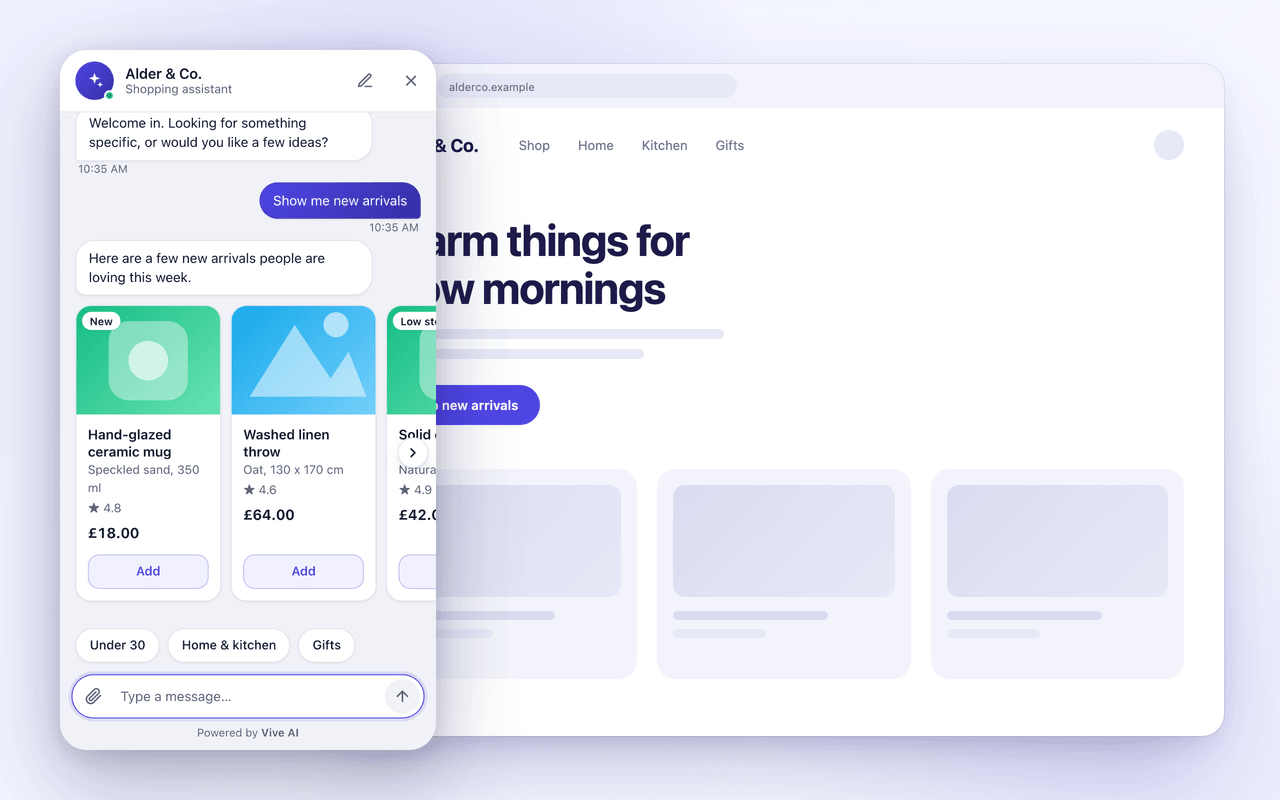
Add the widget through the admin
- 1
In the RoutMe dashboard, create a chat widget and list your storefront origins.
- 2
In the Magento admin open Content, Design, Configuration and edit the scope you want.
- 3
Paste the RoutMe script tag into the Footer section's Miscellaneous HTML field, which Adobe documents as the place for scripts placed just before the closing body tag.
- 4
If your store uses a Content Security Policy, allow the RoutMe widget host. Adobe notes that scripts in this field must be allowlisted to run on checkout pages.
- 5
Save, flush the cache and confirm the launcher loads from an allowed origin.
A theme layout change is the alternative for teams that manage the theme in code.
Expose store data read-only
- 1
For Magento Open Source and Adobe Commerce on PaaS, Adobe documents OAuth 1.0a for third-party applications. Create an integration in the admin and grant it only read access to the resources your tools need.
- 2
For Adobe Commerce as a Cloud Service, requests must be signed with an Adobe IMS access token, and the customer and guest REST APIs are not available, so plan around the GraphQL APIs instead.
- 3
Build an MCP server whose tools perform read-only calls, mark each with readOnlyHint, and keep credentials on that server.
- 4
Register it in RoutMe and test the connection.
Example read-only tools
get_order_statusReturn the status and tracking of one order.
get_product_stockReturn availability for a SKU.
- Authentication differs by edition. Check Adobe's documentation for your exact deployment before building the MCP server.
Official documentation and sources
Related guides
- How to add an AI chat widget to your online storeAdd an AI chat widget by placing one script on each storefront page and connecting read-only data. Steps for Shopify, WooCommerce, Wix and more.
- AI chatbot for Shopify: what to look forA practical checklist for choosing an AI chatbot for a Shopify store, from theme install and data access to read-only tools, handoff and honest roadmaps.
- How an AI agent looks up order status safelyA safe order lookup verifies the customer, calls a narrow read-only tool, returns only needed fields and logs the call. See the design step by step.
Frequently asked questions
Is Adobe Commerce supported natively?
No native connector exists. The pattern is the widget script in the theme plus an MCP server you run that reads your own store API.